
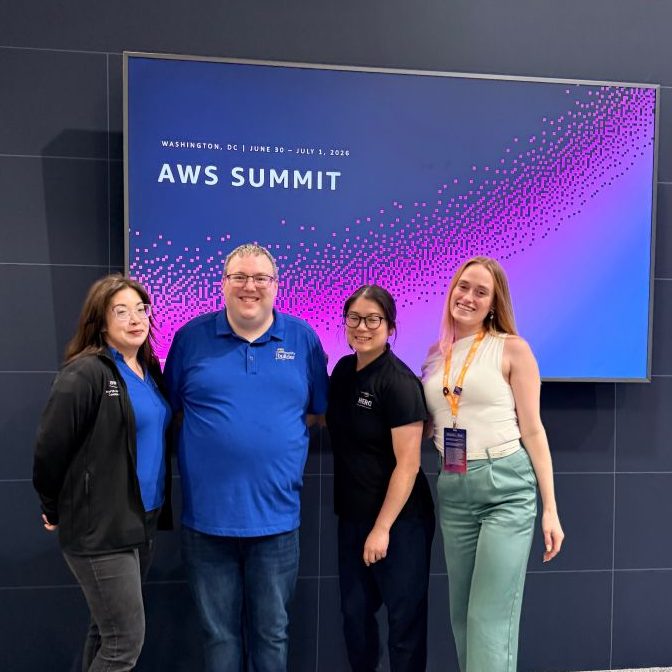
I had the opportunity to present at AWS Summit DC 2026 as part of 3 participants on “Developer Demos” track. I didn’t really know at the time when I was invited to speak that speaking at an AWS Summit is a pretty big deal… So I’m very thankful for the opportunity!
AWS Summit Washington DC
AWS holds “summits” globally, and I generally attend the AWS Summit NYC (to give me an excuse to go to NYC for a few days!). Since the AWS Summit Washington DC is marketed as a government-facing type of event, I had never attended before. But this year, I was invited to speak at their new “Developer Demos” track, so made my first ever trek down to the summer event.
Developer Demos had 3 speakers doing I guess lightening talks of about 5 minutes each, rapidly talking about what we’ve built and why.
Rebuilding AWS Newbies in 2026
To be completely honest, this was the first time I had used Amazon Web Services to actually “build” something since 2018, when I created the original awsnewbies.com on Amazon EC2’s WordPress instance. I’m a talker, not a doer when it comes to AWS! 😂
So when the Amazon Lightsail service team reached out earlier this year to ask if I would be up to writing beginner friendly tutorials, I thought it would be a great opportunity for me to refresh the website that had been on the back burner for years while I wrote a book, published courses, and created 2 humans.
I decided to rebuild the resource website from scratch using Amazon Lightsail and Route 53 and write tutorials as I went along.
History of awsnewbies.com
- 2018: created a study blog for AWS Certified Cloud Practitioner Exam on Amazon EC2, utilizing WordPress image
- 2019~2025: website updating on back burner as I worked on my courses, book, and creating 2 humans
- 2026: got rid of the outdated website and rebuilt from scratch using Amazon Lightsail, utilizing WordPress image
Amazon Lightsail’s Guided Workflow
- Hosting + DNS Records: WordPress instance running on Amazon Lightsail
- Domain Registrar: Route 53
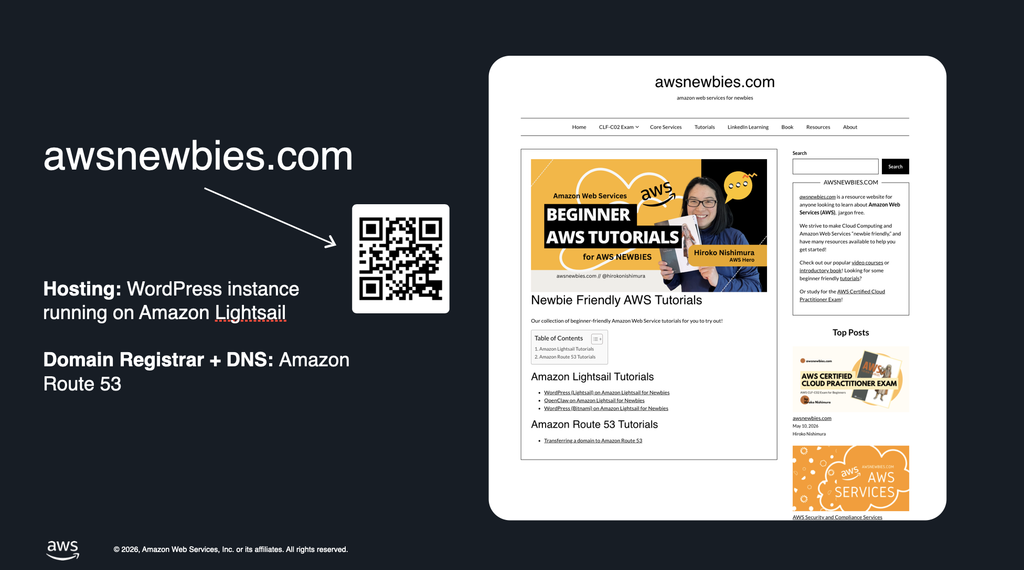
To create the WordPress website for awsnewbies.com, I utilized Amazon Lightsail’s Guided Workflow. Once you create your Lightsail instance with WordPress instance, the guided workflow helps you:
- Connect it to your domain
- Configure DNS
- Create a static IP address
- Manage domain assignments, and
- Create SSL/TLS certificate (this is huge!)
… in just a few clicks.
If you’re interested in quickly spinning up a WordPress website so that you can spend more time and energy writing and publishing instead of working on the backend to make the website just… “work,” I highly recommend checking out my tutorial on how to set your WordPress blog on Amazon Lightsail with zero prior experience!
Beginner friendly tutorial on creating your WordPress blog on Amazon Lightsail
If your domain is currently hosted at another domain registrar (like Namecheap), and you want to transfer it over to Route 53, you can follow this tutorial:
Conclusion
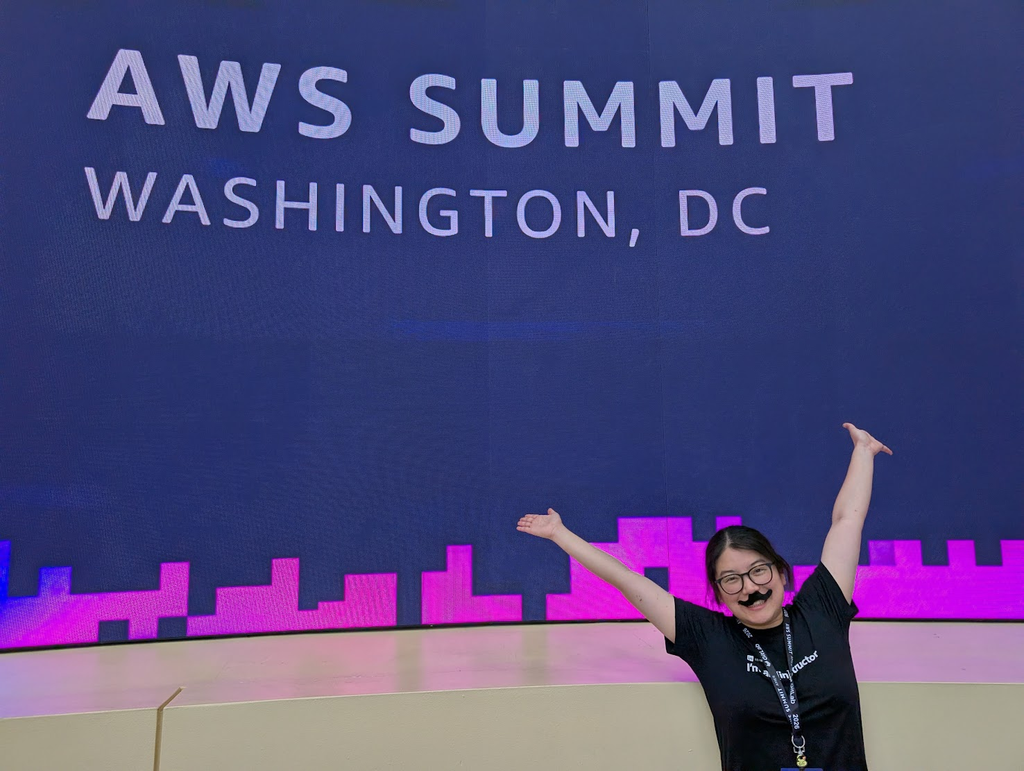
All in all, I had a great 2 days with my friends (new and old) at the AWS Summit DC 2026, and will definitely go again if opportunity arises! And being able to do a quick 5 minute demo instead of a full-blown 30 minute presentation was great too, as someone who has never given a developer demo type presentation.
Now with the 5 minute version under my belt, I’ll feel more confident when an opportunity to do a full demo comes around! ☺️
AWS DMV Community Day 2026
Few months later, I also presented at the AWS DMV Community Day 2026. You can read my blog post about that here: